"Free" is doing a lot of different jobs in this market. It can mean a tier capped at three users, a trial that expires, a version with the useful features removed, or software that is free because you host it. Only the last one stays free once your team grows.
BugTrack is the last kind. You download a zip, run two commands, and you have the entire product — every feature, unlimited users, on your hardware. There is nothing for us to meter, because none of it runs on our servers.
Four things "free" usually means
Worth knowing which one you are being offered before you migrate a backlog into it.
| Model | Stays free when… | Stops being free when… |
|---|---|---|
| Capped free tier | Your team stays under the seat limit | You add the 4th or 6th person |
| Free trial | Never — it is a countdown | The clock runs out |
| Feature-limited free plan | You never need the withheld feature | You need exports, roles or integrations |
| Self-hosted | Always, for the software | Never, though you pay for the server |
What you get for nothing
No per-seat pricing
An issue tracker without per-seat pricing changes who gets an account. The designer who sees the bug, the contractor who caused it and the client who reported it can all be in the tracker, because none of them appear on an invoice.
No sign up
There is no BugTrack account, no card and no email gate on the download. The live demo also opens straight into a working tracker with no sign up, if you want to look before installing.
Every feature, not a subset
Roles, Slack and email notifications, CSV export, attachments, dark mode and in-app updates are all in the free download. Nothing is held back for a tier that does not exist.
No user or project cap
Unlimited projects, bugs, comments and members. The limit is your disk, not a plan.
The part that isn't free
You run the server. That is the whole trade: we have no hosting bill to pass on to you, and in exchange uptime, backups and the machine are yours to look after.
- A small VPS, typically a few pounds a month — often one you already run
- No separate database server to install, because BugTrack uses SQLite
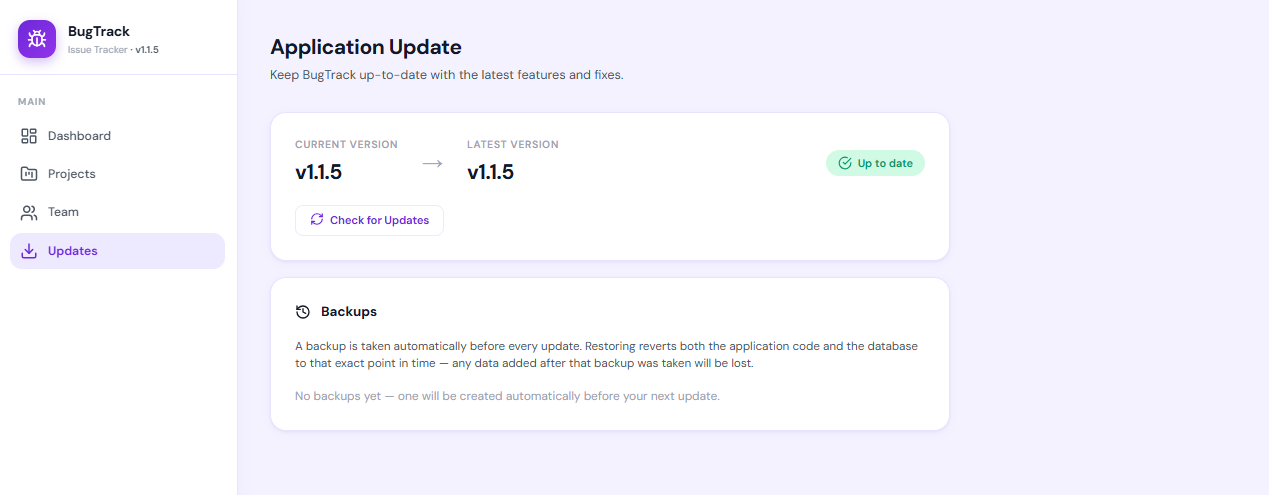
- Updates apply from inside the admin panel, with a backup taken first
- If nobody on your team wants to own a server, a hosted tool is the honest choice
Straight answers about the price
Is BugTrack really free, or is it a free tier?
It is the whole product, free to download and run. No capped tier, no feature held back, no trial clock. It is free while BugTrack is getting started — and if paid tiers arrive later, anything you have already installed keeps working, because it runs on your server rather than ours.
Is there a limit on users or projects?
No. Unlimited projects, bugs, comments, attachments and team members. There is no per-seat charge, so adding a colleague, a contractor or a client costs nothing.
Do I need to create an account or enter a card?
No. You download a zip and run it. There is no BugTrack account to create, no card, and no email address required to get the software.
What is the catch?
You run the server. We have no hosting costs to pass on because it runs on your hardware — which also makes uptime, backups and the machine your responsibility. For most small teams that is a few minutes a month. It is never zero.
Is free bug tracking software worse than paid?
Usually narrower rather than worse. Paid tools fund large feature surfaces — roadmaps, workflow builders, enterprise permissions — that small teams rarely touch. A free focused tracker covers reporting, triage and closing bugs. If you need the wider surface, pay for it.
Download it and see
No account, no card, no trial clock. Running in about 15 minutes.
Download BugTrack Free →