BugTrack vs GitHub Issues
GitHub Issues is free and already open in another tab. That's exactly why it's the most common thing small teams outgrow — not because it's bad, but because it was never built to be a bug tracker specifically.
GitHub Issues is fine while you're pre-team or solo and every reporter already has a GitHub account. Reach for BugTrack once bugs need a priority field, a due date, or a non-developer — a client, a designer — needs to see status without a GitHub login.
Side by side
| GitHub Issues | BugTrack | |
|---|---|---|
| Priority field | Labels only, no built-in priority | Dedicated priority: low to critical |
| Bug status workflow | Open / closed only | Open, in progress, fixed, closed |
| Due dates | Not built in | Due dates with overdue tracking |
| Client access | Requires a GitHub account and repo access | Read-only viewer role, no code exposure |
| Notifications | GitHub's own notification settings | Email and Slack, configurable per project |
| Cost | Free (part of GitHub) | Free, self-hosted |
Where GitHub Issues is genuinely fine
If your whole team already lives in GitHub and every bug reporter is a developer with an account, Issues has real advantages: it's already open, it links directly to commits and pull requests, and there's nothing extra to install or maintain. For a solo project or a team that's entirely developers, that convenience is hard to beat.
Where it starts to break down
GitHub Issues has no native priority field — teams either abuse labels to fake one, or just don't track it, which means everything defaults to "whoever notices it first." There's no due date or overdue tracking. And bringing in someone who isn't a developer — a client, a designer, a contractor doing QA — means giving them a GitHub account and some form of repo access, which is more exposure than most people want to hand a client.
- A real priority field. Not a label convention everyone has to remember to apply.
- Four statuses that mean something. The gap between "fixed" and "closed" catches bugs marked done but never verified.
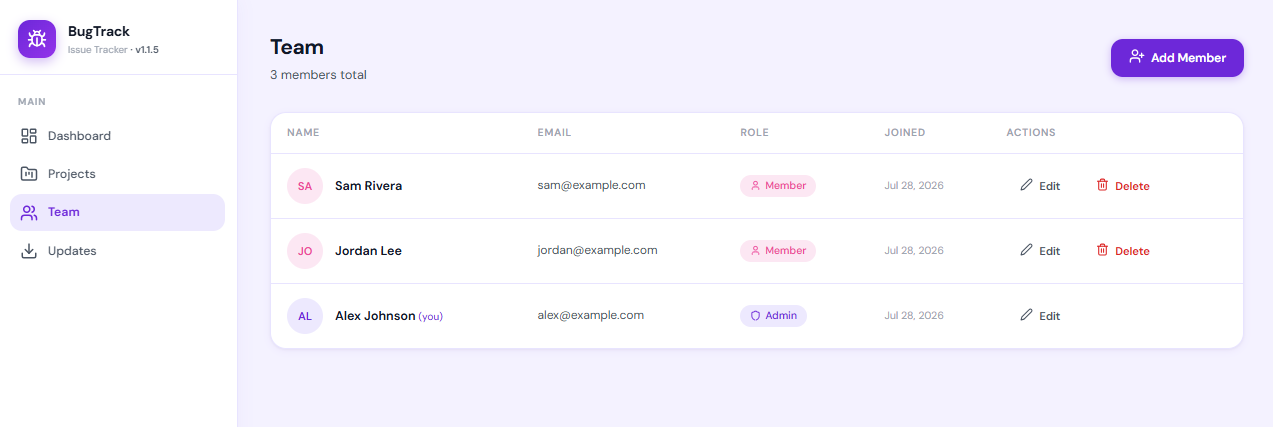
- A safe role for non-developers. No GitHub account, no code visibility, just the bug list for their project.
- Notifications that don't depend on GitHub's settings. Slack and email alerts configured per project.
Moving from Issues
GitHub Issues can be exported through the API or a handful of third-party export tools. Most teams treat the move as a good moment to triage: close what nobody was ever going to fix, and re-file the rest with the priority and status fields Issues never had.
Frequently asked questions
Can I use GitHub Issues for a client project?
You can, but the client needs a GitHub account and either repo access or an invite as a collaborator, which also exposes your code and other issues unless you separate repos carefully. A dedicated viewer role, like BugTrack's, shows only that client's project with no code access at all.
What does BugTrack add that GitHub Issues doesn't have?
A priority field, due dates with overdue tracking, a dedicated bug status workflow (open, in progress, fixed, closed), per-project roles including a read-only viewer, and email or Slack notifications that don't depend on GitHub notification settings.
Is GitHub Issues good enough for a small team?
For a while, especially pre-team or solo. It tends to break down once you need priority or due dates GitHub doesn't model natively, or once someone without a GitHub account needs to see status.
Add what Issues is missing
BugTrack is free, self-hosted, and running in about 15 minutes — no GitHub account required for anyone who needs to see a bug.
Download free →